- The Measureverse
- Posts
- "Where do I even start with combining data?"
"Where do I even start with combining data?"

Jeff Sauer
January 01, 2026
From spreadsheets to dashboards - what actually works
Your Google Analytics data lives in one place. Your Meta ads data lives in another. Your CRM is somewhere else entirely.
And somehow you're supposed to make sense of all of it together.
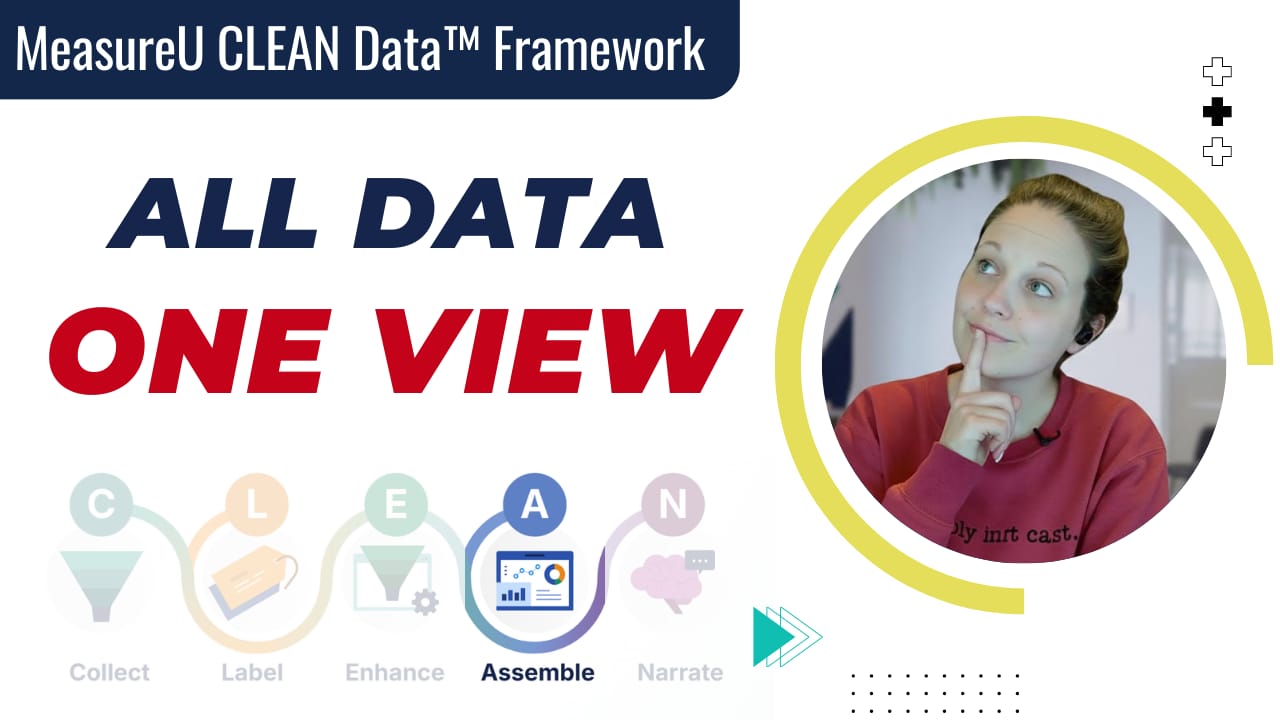
This is where most people get stuck in the CLEAN Data Framework - specifically the "Assemble" step. They've collected their data, labeled their conversions, enhanced their tracking... and now they're staring at five different platforms wondering how to see the complete picture.
Julie just put together a walkthrough on this exact problem. The practical "here's what tools actually work and what you should avoid" version.
The Assemble Step
Quick context: CLEAN stands for Collect, Label, Enhance, Assemble, and Narrate.
We've covered the first three in recent editions. Assemble is where you combine data from multiple sources so it's actually easier to understand and make decisions from.
Because here's the thing - if your data is scattered across five platforms with no unified view, you can't spot patterns. You can't make confident decisions. You're just guessing.
Start Simpler Than You Think
The completely free route? Spreadsheets.
Google Sheets or Excel. Have someone pull the data manually, or do it yourself.
The critical detail here: be consistent with your date structure across all sources.
If you're tracking weekly data for Google Analytics starting December 1st, use that same weekly structure for Meta, Google Ads, everything. Don't mix daily with weekly with monthly. You'll create a nightmare when you try to combine it.
Once your data is in sheets, you can connect it to Looker Studio, PowerBI, or whatever dashboarding tool you prefer.
The Middle Ground
Google Sheets add-ons automate the pulling.
There are add-ons for GA4, Meta, and most major platforms. Some free, some cheap (we're talking single-digit dollars, not hundreds).
Spreadsheet connectors that pull directly from APIs are another option. Slight learning curve if APIs and OAuth aren't familiar territory, but you can figure it out in a couple hours.
One thing to watch: not all APIs give you everything you'd expect. Some platforms restrict certain data points. YouTube doesn't let you pull subscriber counts through their API, for example. You have to track that manually.
Research before you commit.
When You Need More Robust Tools
If you're pulling data from multiple platforms regularly - or you're an agency with multiple clients - you're looking at dedicated connector tools:
Power My Analytics (we're impressed with their support and value)
Porter Metrics (excellent dashboard templates)
Supermetrics (powerful but can get expensive)
Porter Metrics is worth exploring if you want plug-and-play templates. Good for inspiration on structuring your dashboards even if you don't use their tool.
Before You Choose Any Tool
Map out your actual needs first:
What data sources do you need to combine?
What's your CRM, and what are its volume limits?
How much data are you actually pulling? (High volume can put you in enterprise pricing fast)
Who needs access to what? (Not every team needs visibility into every data source)
Compare based on your real use case, not feature lists.
And check volume limits carefully. That's where pricing jumps happen.
Why This Actually Matters
The whole point of assembling your data is to see clearly enough to take action.
When you can see Google Analytics, Meta ads, Google Ads, and your CRM data together in one view, patterns emerge. You can answer questions like:
Which traffic sources actually convert buyers?
Which lead magnets are worth the effort?
Where should you tell clients to spend their money?
When your data is assembled properly, the Narrate step - turning data into action - becomes dramatically easier.
The Bottom Line
You don't need thousands of dollars in tools to combine your data sources.
You need to be intentional about your approach.
Start with spreadsheets if that's where you're at. Graduate to add-ons when manual pulling gets tedious. Move to connector tools when you need more automation or you're managing multiple clients.
The questions clients are asking are evolving. The data landscape is changing. And being able to show the complete picture - not just fragments from individual platforms - is becoming table stakes.
Our whole team is working on this.
How about you?
To Your Measured Success!
--Jeff Sauer
Co-Founder of MeasureU
Earn a master's in AI for under $2,500

AI skills are no longer optional. Earn a fully accredited Master of Science in Artificial Intelligence from the Udacity Institute of AI and Technology, awarded by Woolf. Fully online and flexible, the program can be completed for under $5,000. Build real-world AI expertise with hands-on projects that advance your career.