- The Measureverse
- Posts
- Two free tools that'll change your tracking game
Two free tools that'll change your tracking game

Jeff Sauer
December 04, 2025
In partnership with

Why I'm adding these to every client project
Server-side tracking has a reputation problem.
It's powerful. Everyone knows that. But it's also complex, time-consuming, and frankly intimidating for most consultants and agencies.
Which is why I got genuinely excited when Manisha walked through two free tools from Stape that solve the biggest pain points in one shot.
I'm talking about going from "this will take me 6 hours" to "this took me 6 minutes."
The Problem Most Consultants Face
You know server-side is the right move for clients. Better data quality, extended cookie lifespans, bypassing tracking restrictions.
But selling it? Setting it up? Showing ongoing value?
That's where things get messy.
Clients don't understand why their current setup is broken. They can't see what's happening under the hood. And they definitely can't visualize the improvement you're promising.
Meanwhile, you're staring down hours of manual GTM configuration, hoping you don't miss something critical.
Two Tools That Change Everything
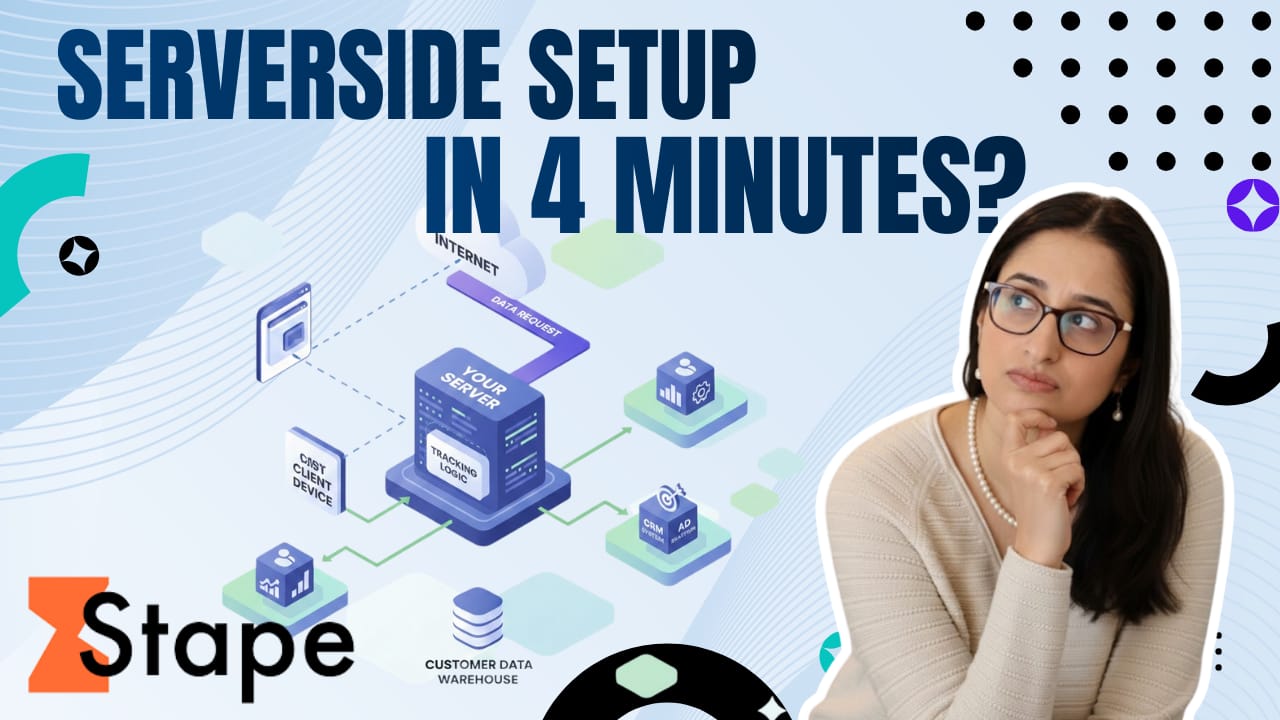
Manisha recently walked through Stape's Website Tracking Checker and Setup Assistant in a training that honestly made me rethink how we approach client implementations.
The Tracking Checker (Your New Discovery Tool)
This is completely free and does something brilliant: it gives you a scorecard.
You scan a client's site. It identifies every pixel and script running. Then it scores their tracking setup and shows exactly what's dragging that score down.
More importantly, it shows the improvement each fix will deliver.
So instead of vague promises about "better tracking," you can say: "Here's your score today. When we move Meta to server-side, you'll jump 19 points. Here's the action plan."
That's a completely different conversation than "trust me, server-side is better."
The Setup Assistant (Your New Implementation Tool)
Here's where it gets wild.
Manisha demonstrated going from completely empty GTM containers to fully configured server-side tracking in under 10 minutes.
Not "basic setup you'll need to fix later." Not "most of the tags with some manual work remaining."
Fully configured. With deduplication. With proper event IDs. With all the tags and triggers you'd spend hours building manually.
The Setup Assistant walks you through platform selection (ecommerce now, lead gen coming soon), consent settings, and which tags you want (GA4, Meta, Google Ads, TikTok, Snapchat, Pinterest, Bing, LinkedIn).
Then it automatically imports everything into both your web and server containers.
Manisha showed the before (empty containers) and after (complete implementation with deduplication properly configured).
It's legitimately impressive.
Why This Matters Beyond Time Savings
Yes, cutting setup time from hours to minutes is valuable.
But the bigger win is what this enables:
Better discovery calls. The Tracking Checker gives you a diagnostic tool that makes the invisible visible. Clients can actually see their tracking health.
Clearer value demonstration. You can show score improvements over time as you implement fixes. That's tangible ROI they can understand.
More implementations. When setup friction drops, you can take on more clients or expand services to smaller clients who couldn't justify the cost before.
Reduced errors. Pre-built, validated setups mean fewer "oops, forgot to configure that" moments three weeks into a project.
The Catch (There Isn't Really One)
Both tools are free. The Tracking Checker requires zero Stape account. The Setup Assistant is available to anyone using Stape for server-side hosting.
The only "catch" is that you still need to understand what you're setting up. These tools don't replace knowledge. They just remove the tedious manual work once you know what you're doing.
If you're already doing server-side work, or you've been hesitant to start because of the implementation complexity, this is worth your time.
Manisha walks through both tools step-by-step in the video above, including a live demonstration of scanning MeasureU's site and building a complete tracking setup from scratch.
It's about 20 minutes that might change how you approach your next client project.
To Your Measured Success!
–Jeff Sauer
Co-Founder of MeasureU.com
Shoppers are adding to cart for the holidays

Over the next year, Roku predicts that 100% of the streaming audience will see ads. For growth marketers in 2026, CTV will remain an important “safe space” as AI creates widespread disruption in the search and social channels. Plus, easier access to self-serve CTV ad buying tools and targeting options will lead to a surge in locally-targeted streaming campaigns.
Read our guide to find out why growth marketers should make sure CTV is part of their 2026 media mix.